
Hello! It’s been a while since our last announcement, but we’ve added a lot over the past few months. Here’s a roundup.
Share / export only the selected area
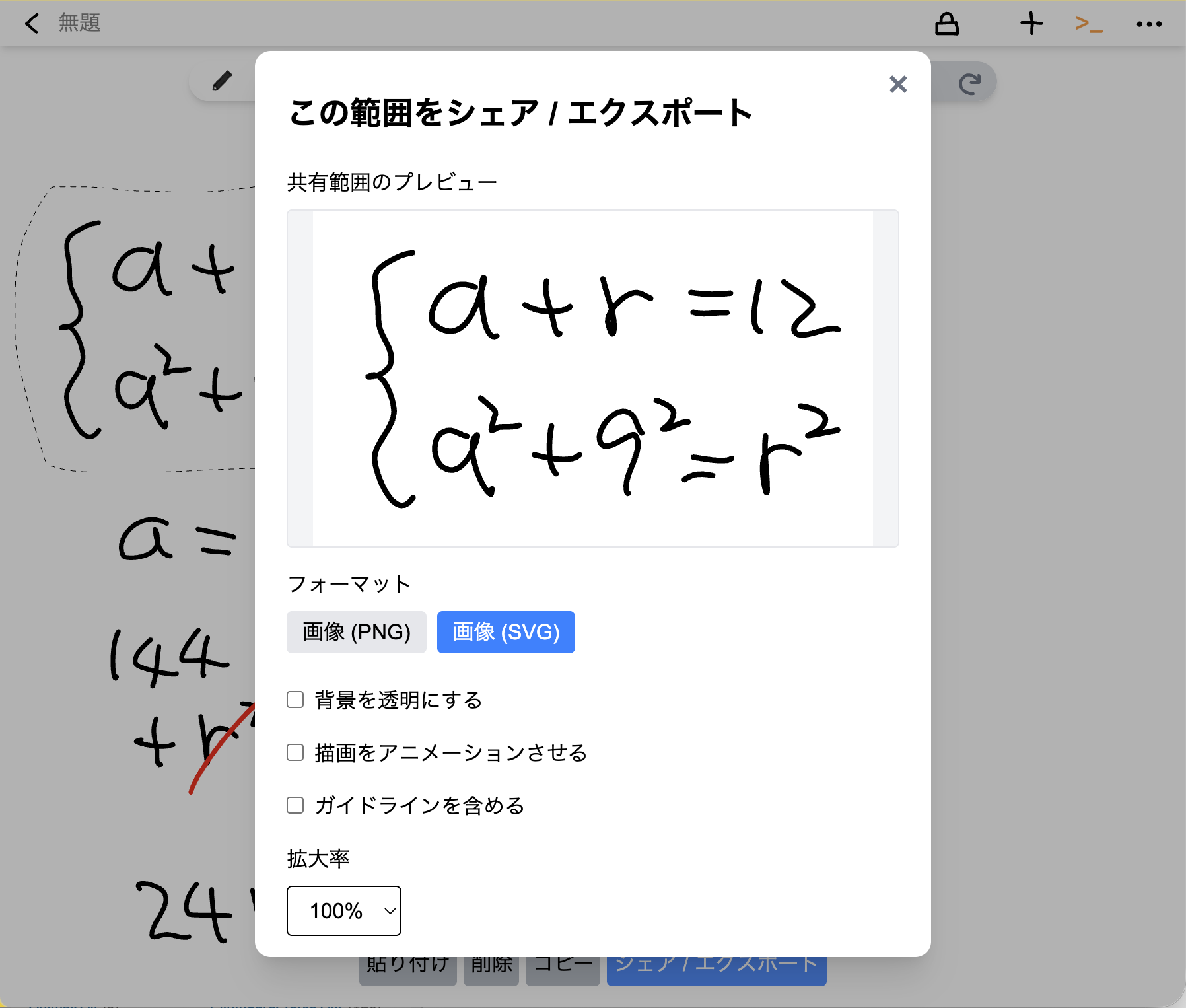
Select an area with the lasso tool and press the share button to export just that part as a link or an image (PNG / SVG).
Handy when you want to embed a portion of a large board in your notes or blog.
Export SVG with a drawing animation
Turn on “Animate drawing” in Share / Export to get an SVG that draws itself stroke by stroke. You can also set the speed.
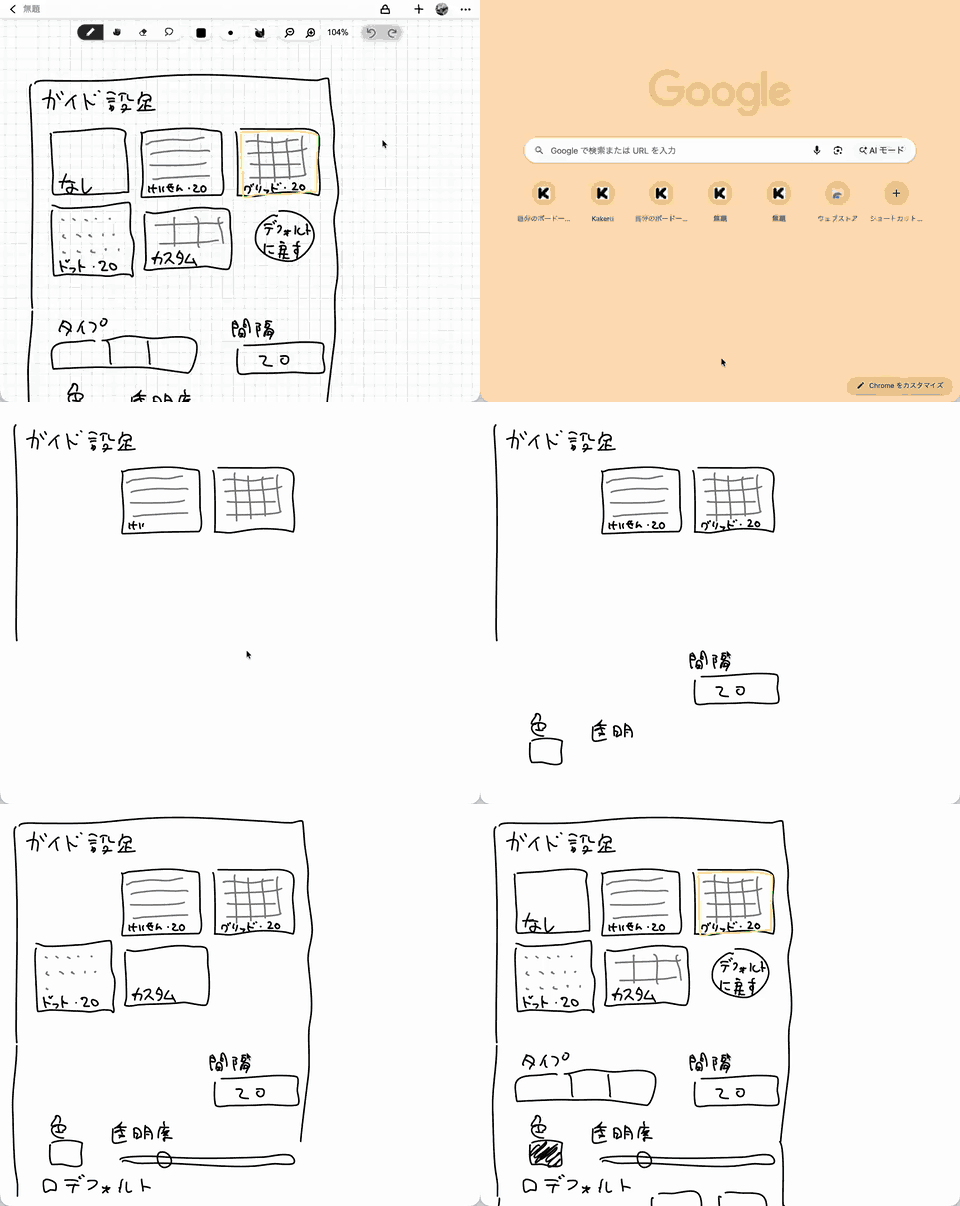
Image export for private boards
Image export used to be available only for public boards. You can now download PNG / SVG from private boards too.
Guidelines (ruled lines, grid, dots)
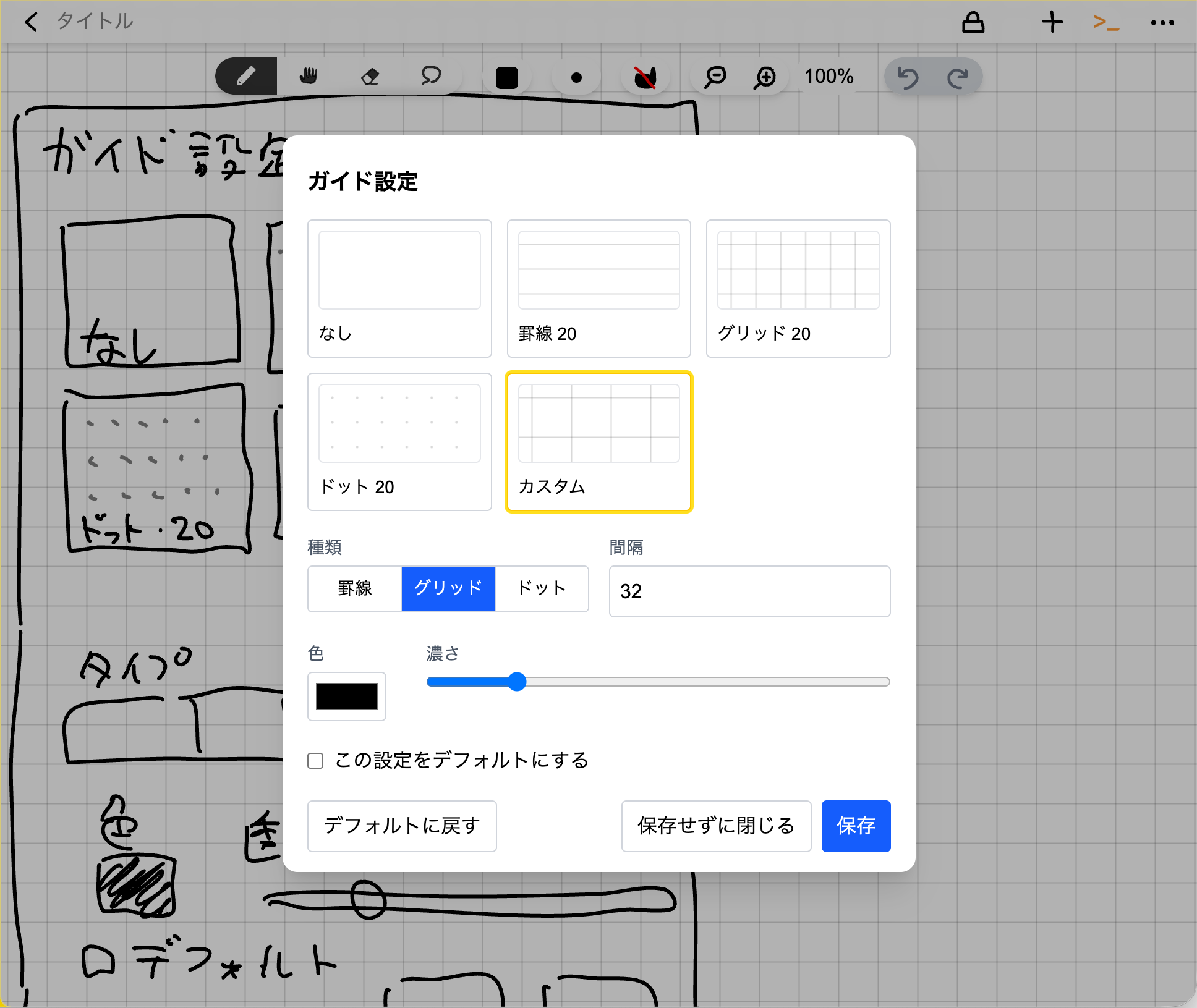
Show ruled lines, a grid, or dots behind your board. Spacing and color are adjustable, and you can choose whether to include them in exports.
Keyboard shortcuts
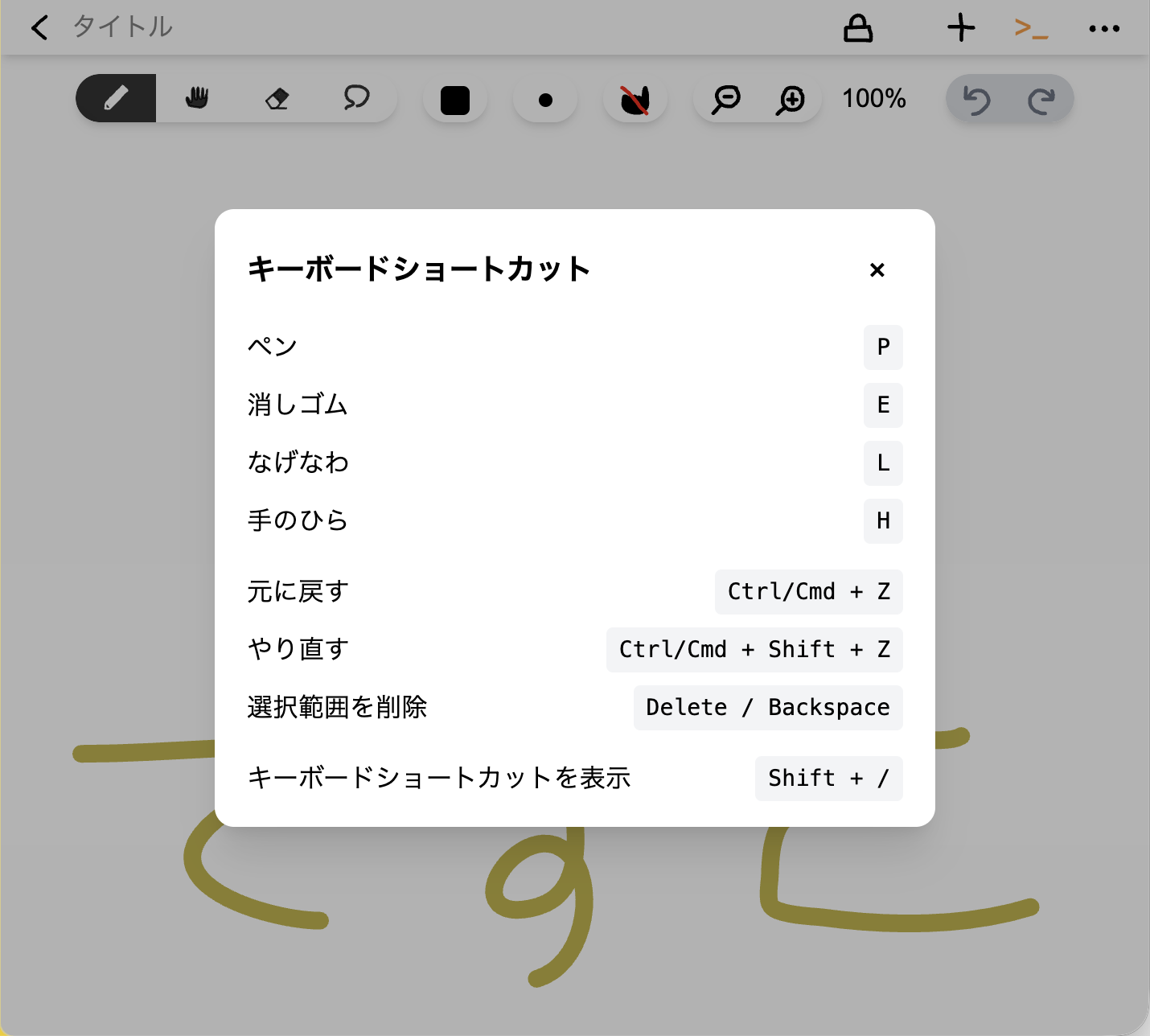
Press P for pen, E for eraser, L for lasso, and H for hand tool. Shift + / shows the full list.
Pick any color
In addition to the presets, you can now choose any color with the color picker.
Other improvements
- App updates are now applied after confirmation instead of reloading unexpectedly
- Faster, more stable board list
Questions and requests are welcome on our Discord.